
Cloud Infrastructure
Cloud concepts, virtual machines, resource organization, deployment planning and platform operations.
Hi, I'm Pravin. I’m passionate about dependable IT infrastructure, server administration, networking, cloud platforms and secure systems that keep businesses moving.
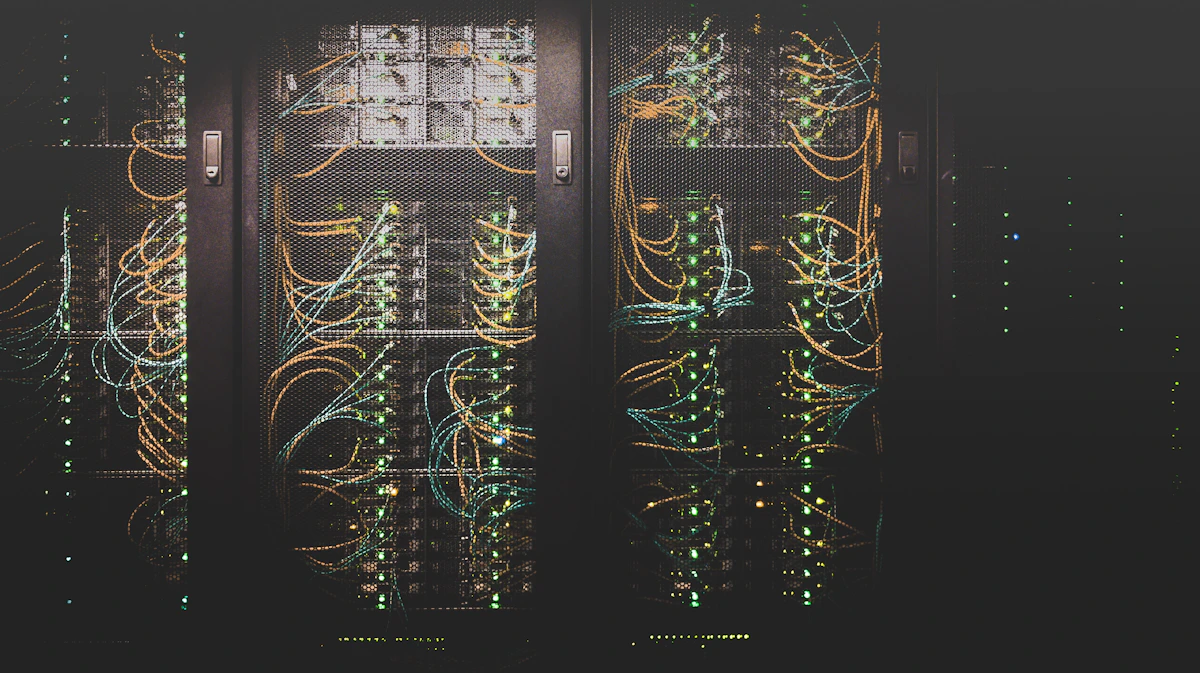
Core areas of modern IT operations, from servers and networks to cloud and security.
Cloud concepts, virtual machines, resource organization, deployment planning and platform operations.

Linux and Windows server operations, updates, user access, service health and troubleshooting.

HTTPS certificates, firewall basics, access control, system hardening and security checks.

IP addressing, DNS records, routing concepts, connectivity diagnosis and web traffic flow.

Apache and Nginx configuration, reverse proxy concepts, application processes and deployment.

Service checks, log review, backup planning, recovery procedures and uptime awareness.


I'm Pravin, interested in the technologies and processes behind dependable IT environments. I enjoy understanding how servers, operating systems, networks and web applications work together.
My approach is to troubleshoot methodically, document changes, prioritize security and keep learning. This portfolio is a place to showcase my skills and practical lab projects as I grow in IT infrastructure.
A selection of infrastructure areas to explore and develop. Adjust the list to reflect your actual experience.
A visual look at the systems, hardware and workspaces that power modern technology.
 Data Center & Servers
 Hardware & Systems
 Cloud Connectivity
 Engineering Workspace
 Technical Operations
Use these cards to document your own lab work. Only mark a project completed after you have built and tested it.

Configure Apache or Nginx, connect a domain, issue a trusted TLS certificate and verify redirects.
Launch a virtual machine, configure network access securely and document the deployment steps.
Create a backup schedule, test file restoration and monitor service availability and logs.
Repeatable steps help keep infrastructure changes controlled and understandable.
Understand the issue, environment, users affected and current system state.
Identify the root cause, risks, required changes and rollback approach.
Apply changes carefully, follow security practices and document actions.
Test connectivity, service health, logs and expected application behavior.
Explore the major building blocks behind a reliable web service, from the visitor's browser to the application, data and operations layers.

IP addressing, routing, DNS resolution, ports and firewalls help traffic reach the correct service safely.
Virtual machines, operating systems, CPU, memory, storage and services provide the runtime foundation.
Apache or Nginx receives HTTP requests and can serve content or proxy requests to application processes.
A practical operations checklist for maintaining stable, secure and recoverable infrastructure.
Monitoring is more than checking whether a server responds. Track service availability, resource trends, error logs, certificate expiry and backup status. Alerts should be actionable and tested.
Security is a continuous process: reduce exposure, control access, keep systems patched and prepare for recovery.
 Layered Security
 Access Control
 Threat AwarenessNetwork BoundariesSecure Workflows
Grant only the access needed, review accounts and protect administrative credentials.
Allow only required ports, disable unused services and keep management access restricted.
Apply updates through a controlled process and validate critical services afterwards.
Keep protected backups and periodically test that data can actually be restored.
A structured path for building practical confidence. Update milestones as you complete real labs.

Practice Linux commands, users and permissions, processes, storage, networking basics and shell scripting.
Build a web server, configure virtual hosts, understand DNS, use SSH securely and diagnose connectivity.
Explore virtual networks, cloud instances, repeatable deployments, monitoring and backup automation.
I'm always interested in connecting with IT professionals, learning about infrastructure challenges and sharing practical knowledge.
